Master Generator
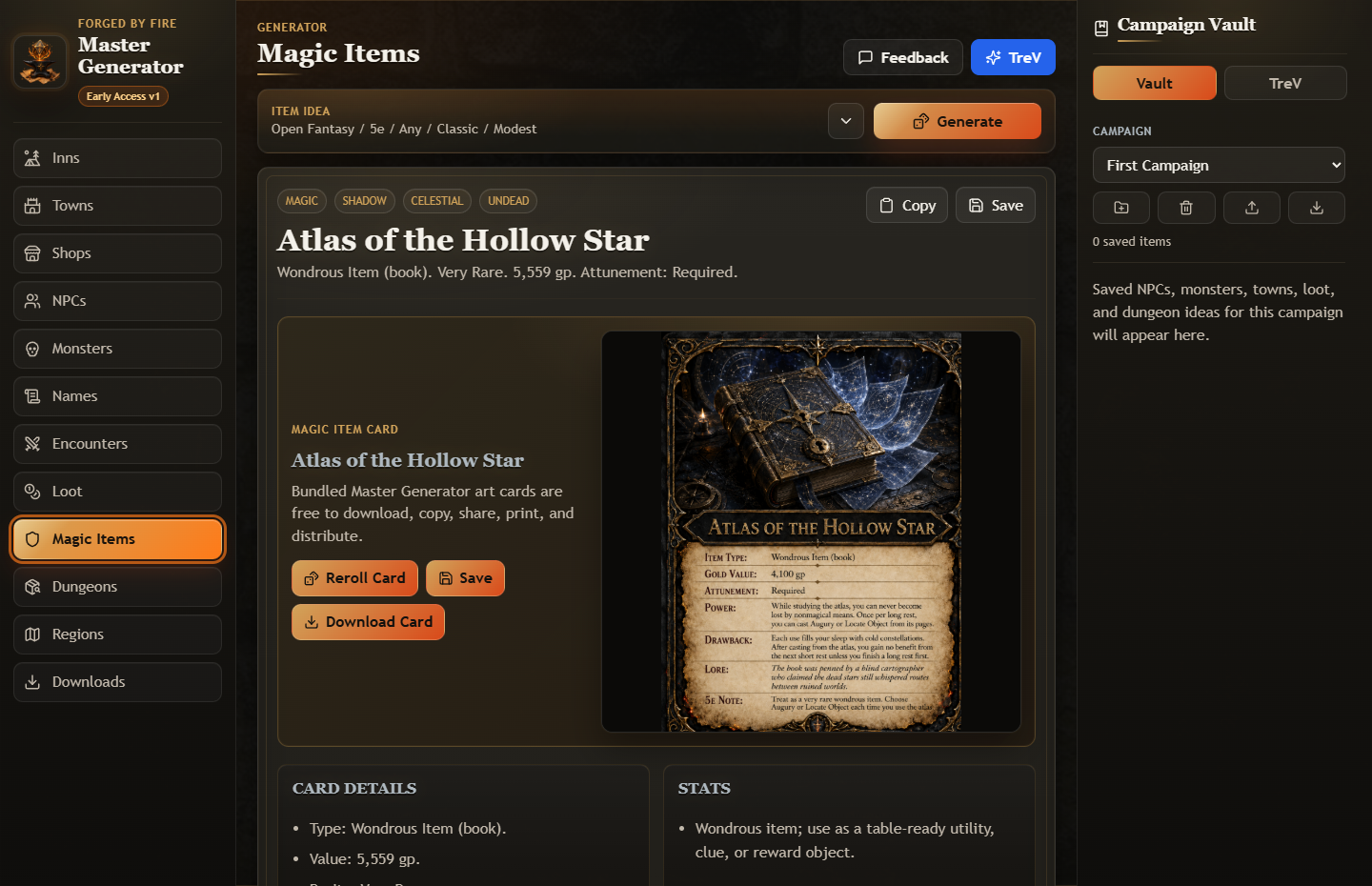
Fantasy tabletop campaign generator
Create NPCs, towns, encounters, treasure, dungeons, and maps. Save your best ideas in a local campaign vault and ask TreV for optional campaign help.
WindowsAndroidiPhone and iPad

Official stores and web access
Install our current apps through their official store listings. Apple editions marked “In Review” do not have public listing links yet.
Fantasy tabletop campaign generator
Create NPCs, towns, encounters, treasure, dungeons, and maps. Save your best ideas in a local campaign vault and ask TreV for optional campaign help.
Your card collection, decks, and scanner
Organize your card collection, build decks, scan cards, and review prices. Use Coach for optional deck guidance, with web access alongside the Windows and Android apps.
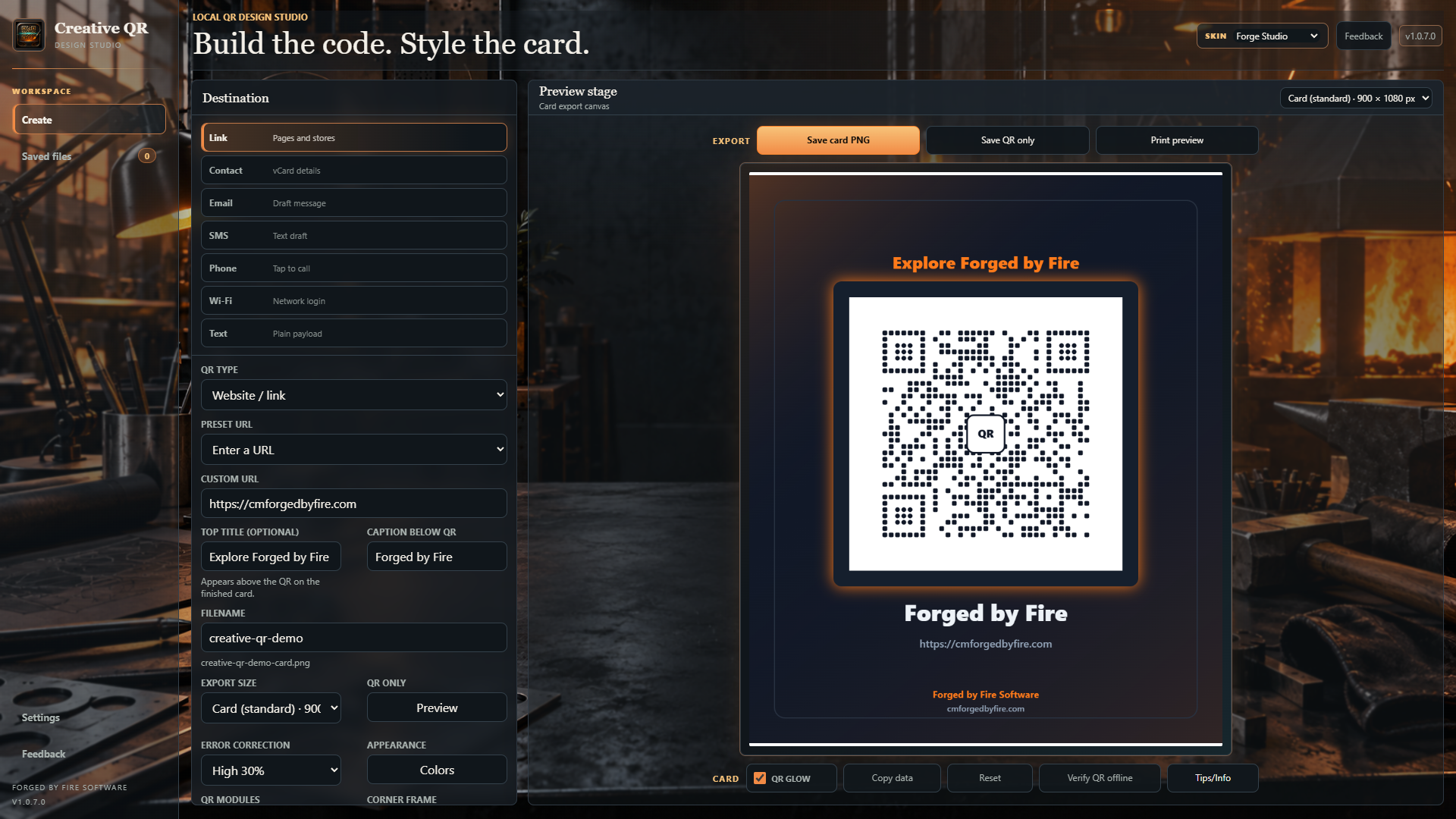
Local QR creation for Windows and Android
Create codes for links, contacts, Wi-Fi, and more. Customize and export locally on Windows or Android, with on-device scanning available on Android.
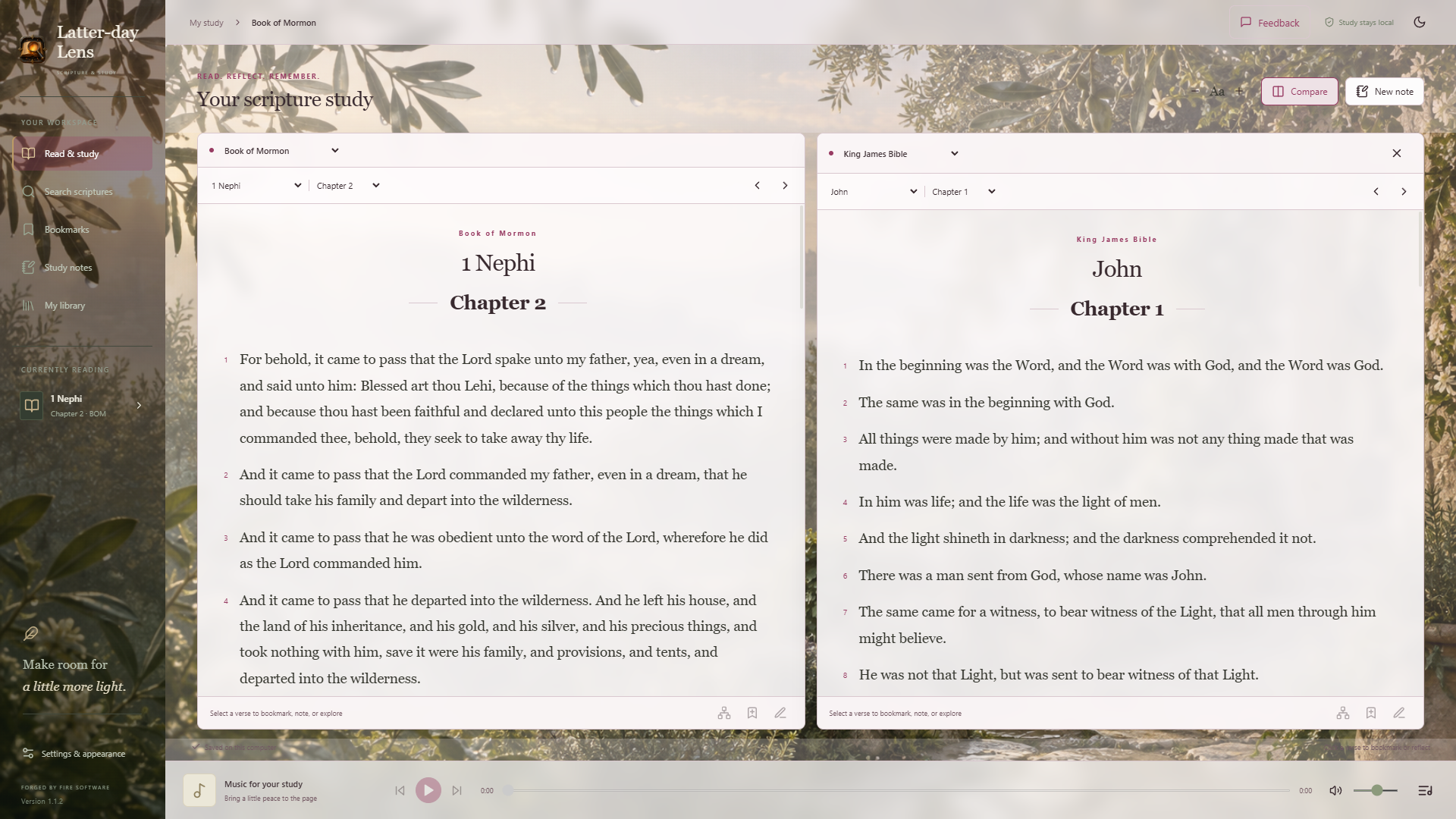
Private scripture study for Windows, Android, and Mac
Read and search scripture, compare Bible passages, save notes and bookmarks, and export study backups. Play your own local music while you study.
Private image tools for Windows and Android
Compress, resize, convert, and clean image metadata locally while preserving your original files.
Local-first tower defense for Windows
Defend 16 battlefields across four realms, build specialized towers, and grow a local defender profile.

Private home-media client for Xbox
Connect an Xbox to the ForgeFlix server you control on your home network and browse or play your own local media library.
Choose the store for your device. Each listing shows the current price, device requirements, and any in-app purchases. No GitHub account is needed.
For installation questions, purchase issues, or app feedback, visit Support / Feedback.